


NVIDIA B200
Next-generation Blackwell GPU capacity planned for future rollout.
Deploy image and custom model endpoints on NVIDIA GPUs in seconds. Autoscaling, billing, monitoring, and SDKs are baked in — you just send requests.
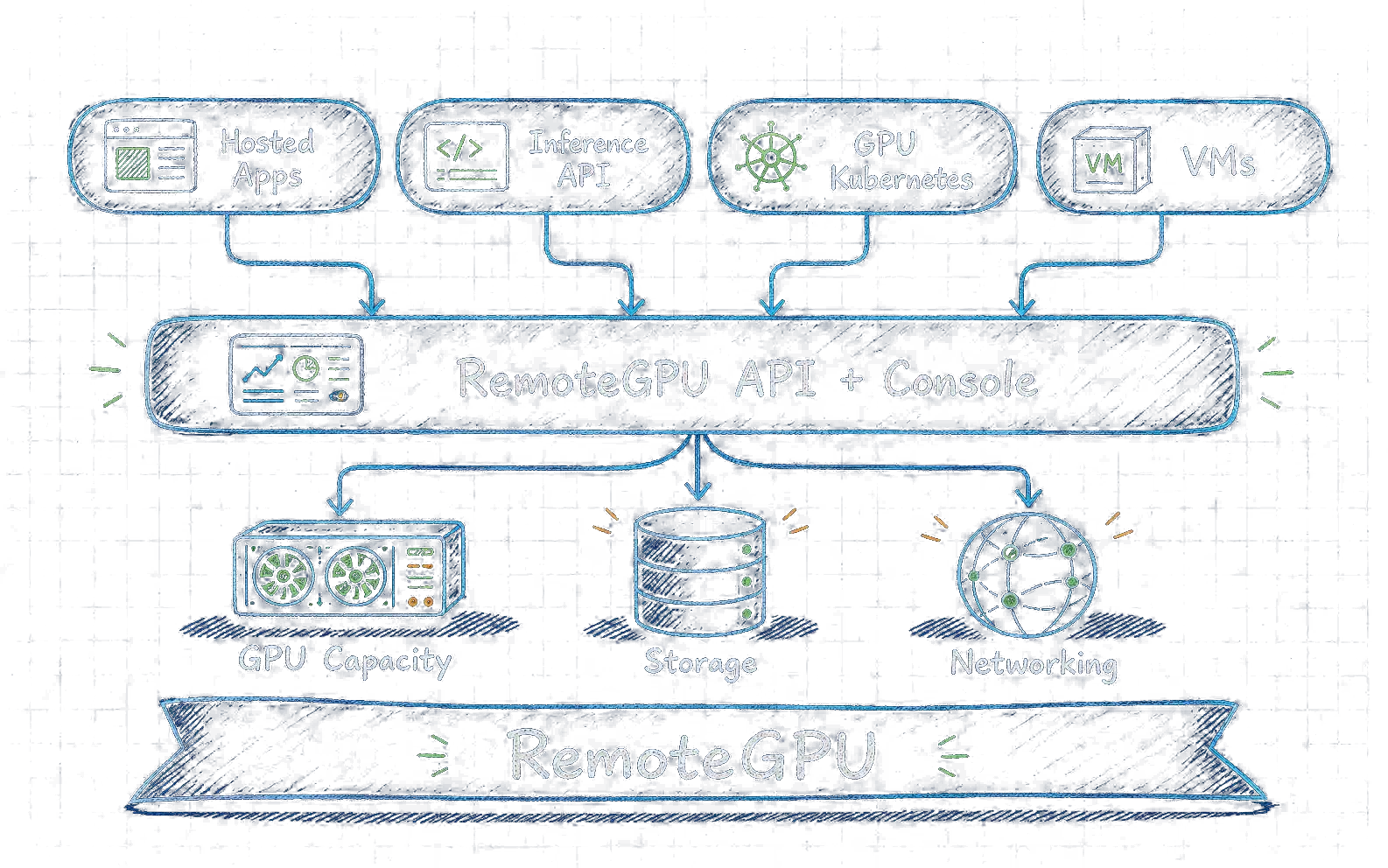
Call models through Token Factory, run workloads on VMs or Kubernetes, or start with a hosted app. Each path lands on the same RemoteGPU platform layer.
Storage, networking, access, metering, and runtime status stay shared as the workload moves from prototype to production.
RemoteGPU delivers competitive on-demand pricing for production workloads.
Start with available H100 plans today. Additional GPU models will get dedicated pages when pricing and launch paths are ready.
H100 capacity for production inference, batch jobs, fine-tuning, and image workloads.
From $2.19/hrNext-generation Blackwell GPU capacity planned for future rollout.
Future Blackwell GPU capacity under evaluation for RemoteGPU.
Consumer-class GPU capacity planned for cost-sensitive workloads.
Professional RTX GPU capacity planned for workstation-style workloads.
From robotics labs to creative pipelines and market intelligence, teams use RemoteGPU to scale GPU workloads without waiting on local capacity.
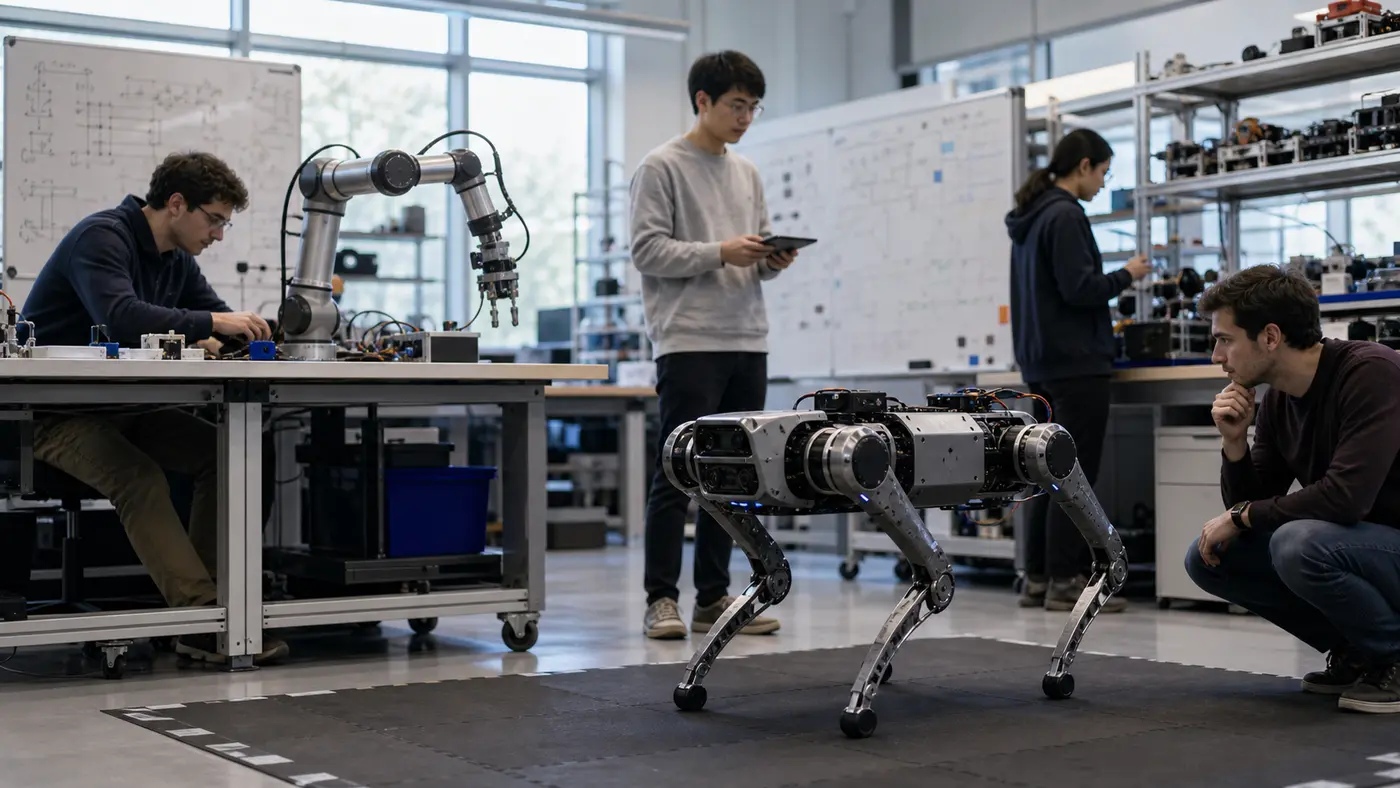
Robotics training
For the robotics collaboration, RemoteGPU gives Caltech researchers elastic GPU capacity for policy training, simulation sweeps, and evaluation runs. The team can move between lab experiments and repeatable cloud jobs without waiting on local machines or rebuilding the same runtime for every research cycle.

Video generation
AI video studios use RemoteGPU to turn local ComfyUI and video generation pipelines into shared, persistent GPU workspaces. Artists can keep model assets, workflow graphs, and generated outputs together while engineers scale GPU capacity behind the scenes, making the same pipeline useful for prototypes, reviews, and production handoff.
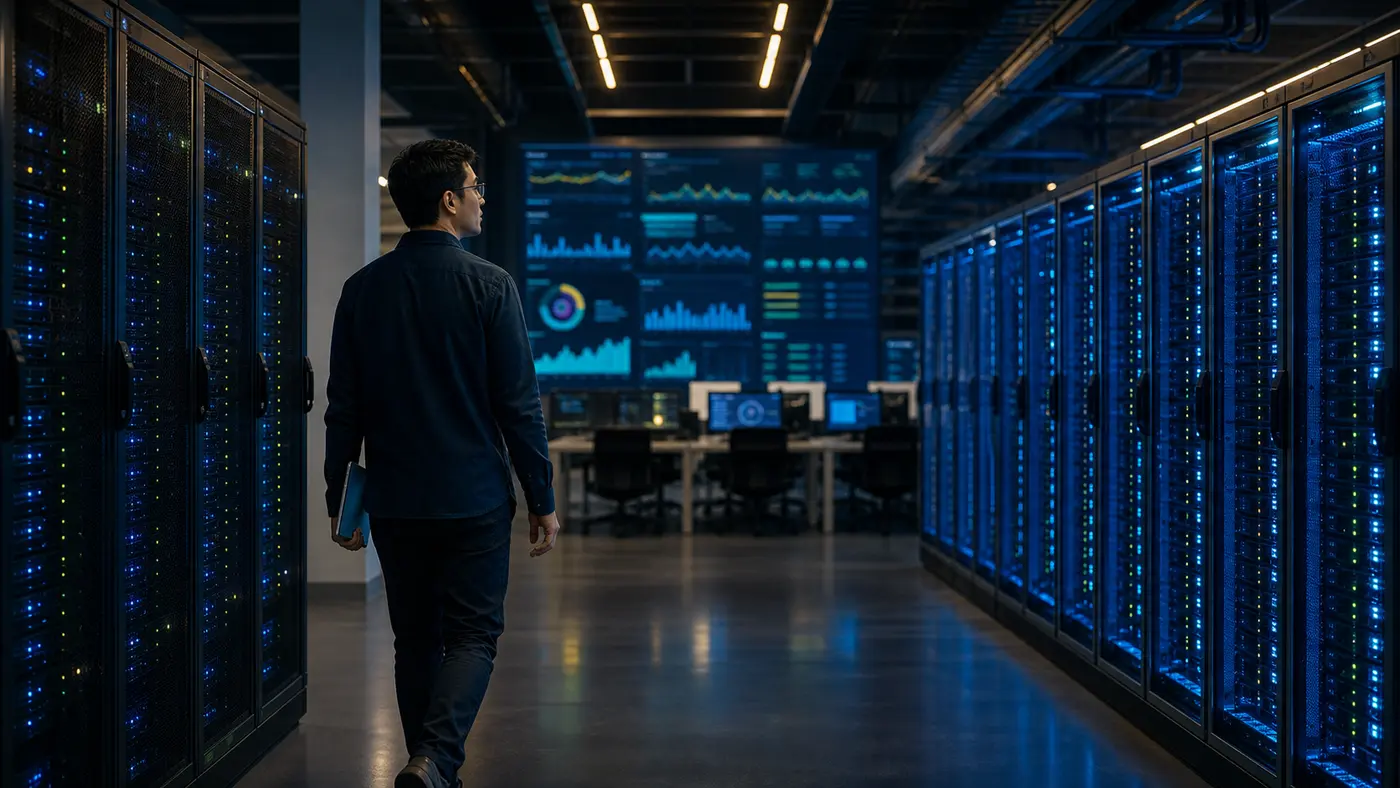
Market intelligence
Quant trading firms use RemoteGPU's LLM API to analyze market news, filings, and real-time events before signals reach downstream models. Their research teams can also run Kubernetes training jobs for forecasting, ranking, and risk models while keeping inference and training infrastructure on the same GPU platform.
Start with Token Factory APIs, virtual machines, GPU workloads on Kubernetes, or hosted applications, then add storage and network primitives as the workload grows.
Use it when an application needs to call model work over HTTP without your team managing GPU servers, queues, scaling, or request billing.
Use Kubernetes when you need direct control over deployments, jobs, services, ingress, storage, networking, and production operations.
Create an account, launch a hosted GPU workspace, or send your first inference request.